Once you have published your reserved-seating event, you can block individual seats directly within the event in the admin area:
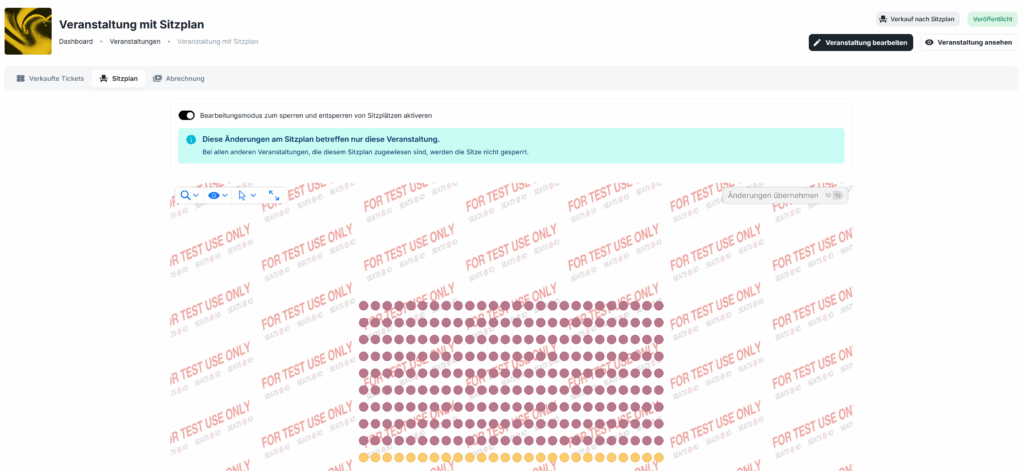
In the “Seating chart” tab, you can block individual seats. Blocked seats can be unblocked again at any time.
Once you have published your reserved-seating event, you can block individual seats directly within the event in the admin area:
In the “Seating chart” tab, you can block individual seats. Blocked seats can be unblocked again at any time.
Under “Events” -> “Seating charts”, you’ll find the button “Create seating chart”.

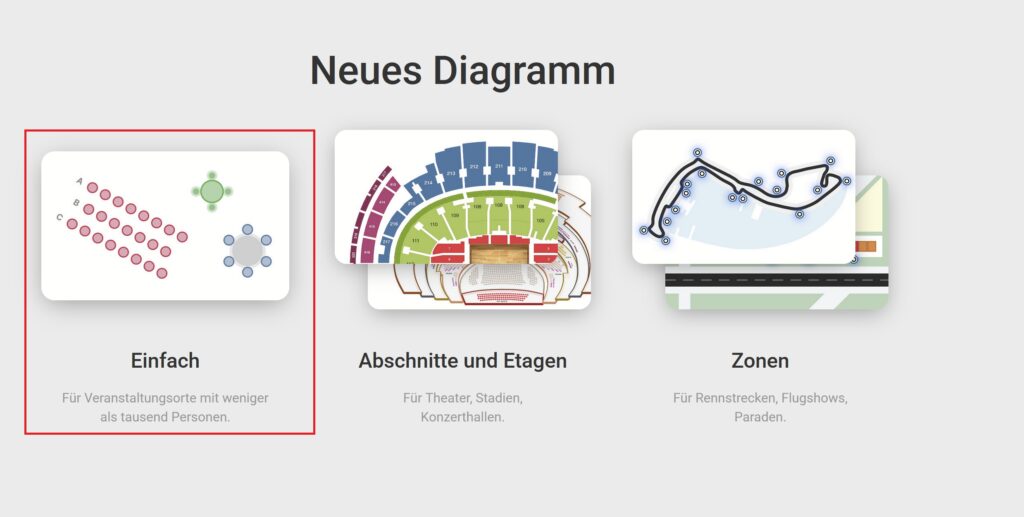
In the next step, choose the option “Simple” – unless you want to create a particularly detailed seating chart.
If you need help creating your seating chart, feel free to email us at: [email protected]