At the very bottom of the event editor, under “Advanced settings“, you’ll find the option “Visibility“:
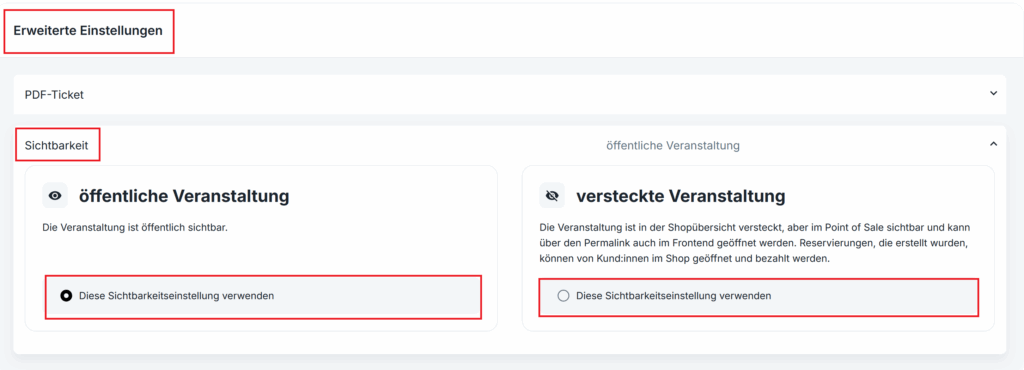
Public events are listed in the web shop.
Hidden events can only be accessed by buyers via the direct URL.
At the very bottom of the event editor, under “Advanced settings“, you’ll find the option “Visibility“:
Public events are listed in the web shop.
Hidden events can only be accessed by buyers via the direct URL.
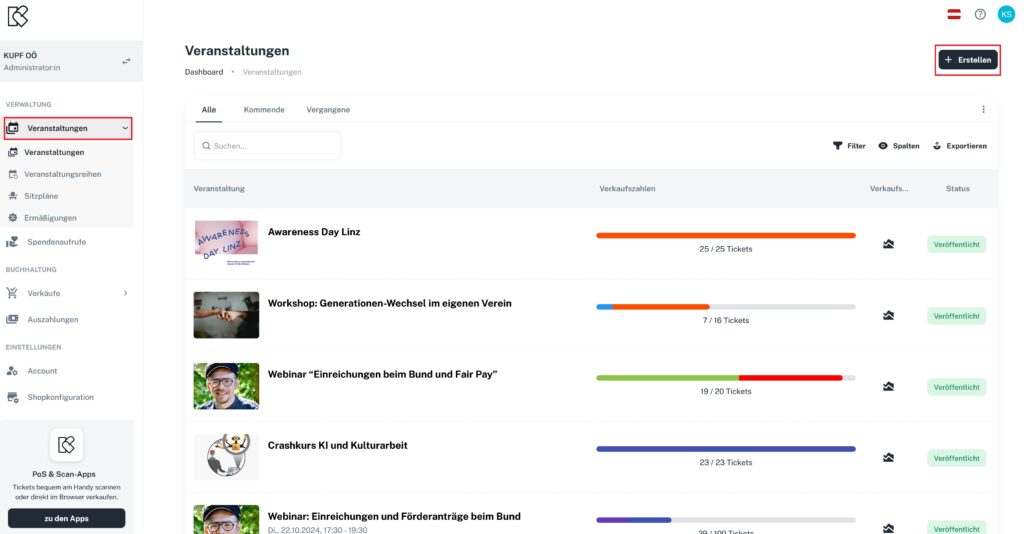
In the main menu on the left, you’ll find the entry “Events”. In the top right corner, you can create a new event with “+Create”.
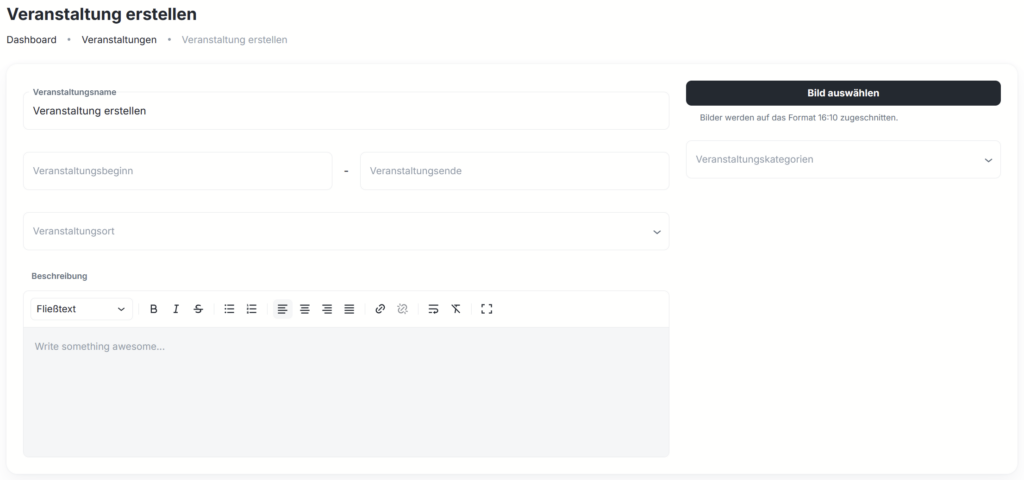
In the event editor, you can create your event and edit it at any time: enter the event name, upload an image, define the event period, set the venue and add an event description.
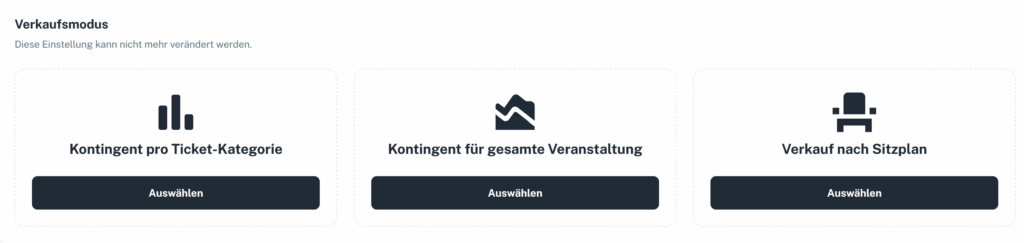
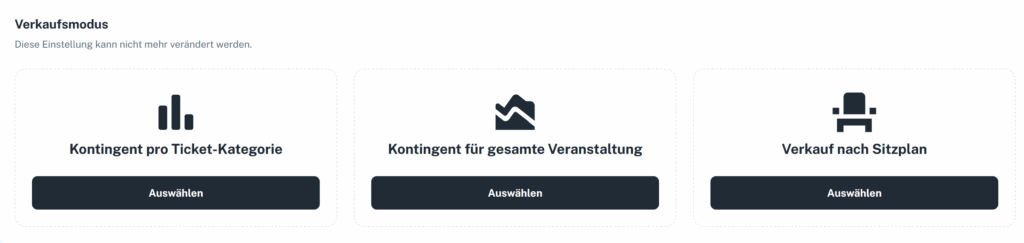
In the next step, you choose the sales mode.
Venues that don’t appear in the search (because they aren’t listed on OpenStreetMap) can now be added and saved by you.
You can create and edit venues directly within events and event series.
Venues no longer have to be added anew every time – they remain permanently saved.

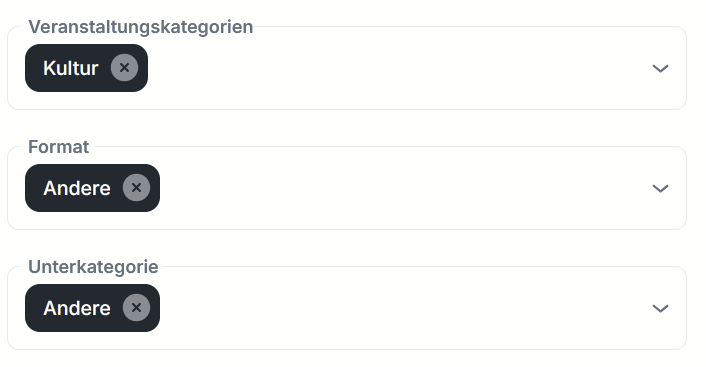
When creating new events, you can now select suitable main and sub-categories. A total of five main categories with their respective sub-categories are available.
Once enough events have been categorized, we can integrate a search and filter function into the web shop and, in the future, also recommend similar events to buyers. That means more visibility for your events.
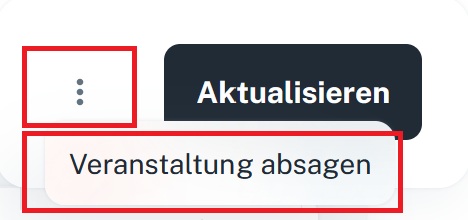
If you ever need to cancel an event, you’ll find the function under “Edit event”. Simply click the three dots next to “Update” and select “Cancel event”:
KUPFticket.com can be used in German and English by default. You can also translate the event title as well as the description, individual categories, discounts and promo codes.

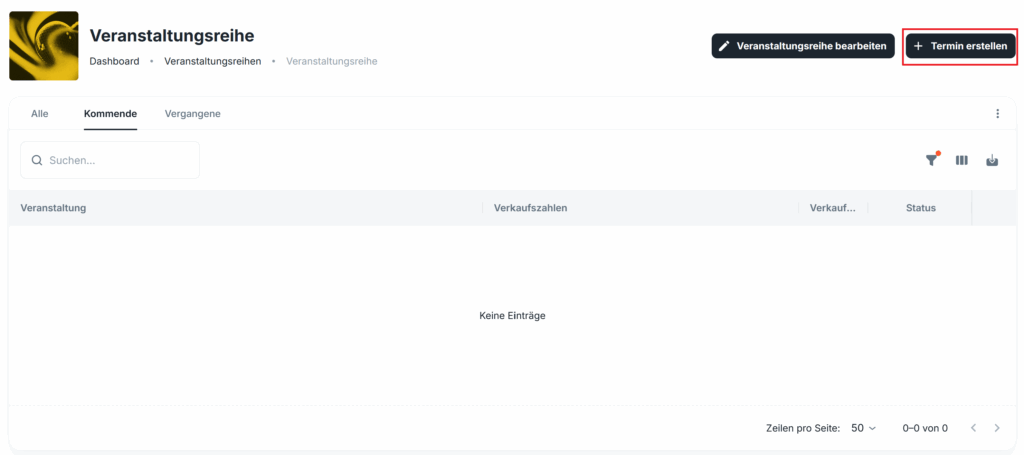
You create the event series once and then only need to define the individual dates of the performances.
You can customize every event within the series individually.
Once the event series has been created, you can “Create dates”.
When creating events, you can choose from three options:
1) “Allotment per ticket category”: Here you can set the allotments per ticket category yourself and adjust them manually at any time.
2) “Allotment for the entire event”: Here you can define an overall allotment for the entire event.
3) “Sale by seating chart”: With the seating chart option, the ticket allotment depends on the seating plan.