Create an event
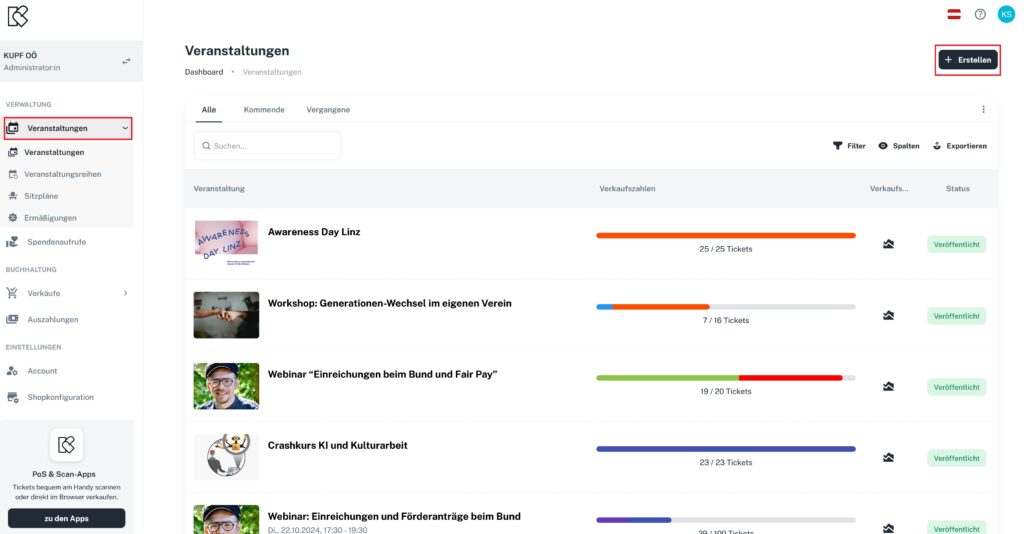
In the main menu on the left, you’ll find the entry “Events”. In the top right corner, you can create a new event with “+Create”.
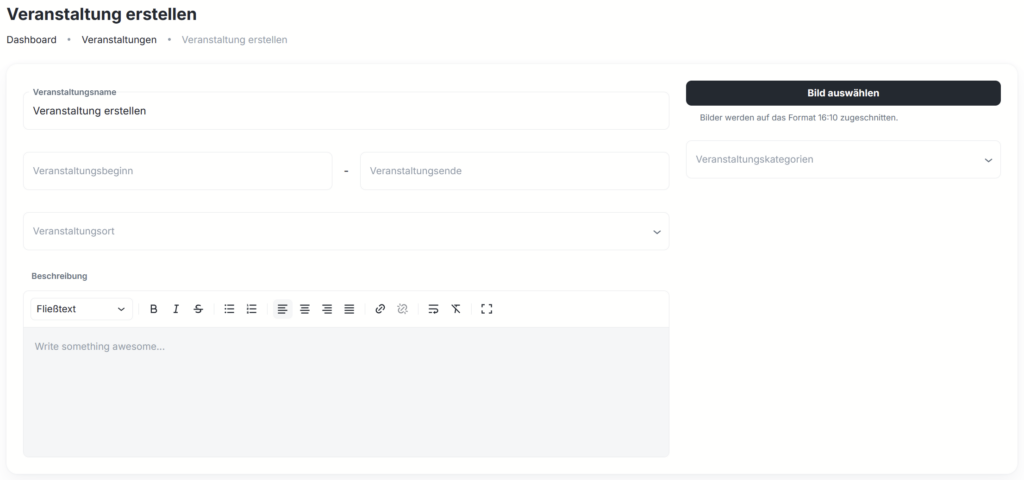
In the event editor, you can create your event and edit it at any time: enter the event name, upload an image, define the event period, set the venue and add an event description.
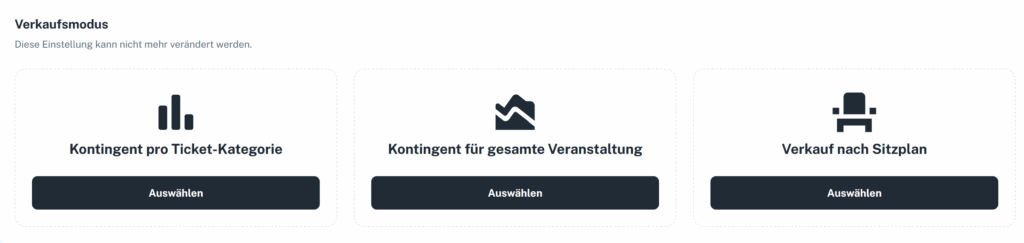
In the next step, you choose the sales mode.
Add a venue
Venues that don’t appear in the search (because they aren’t listed on OpenStreetMap) can now be added and saved by you.
You can create and edit venues directly within events and event series.
Venues no longer have to be added anew every time – they remain permanently saved.

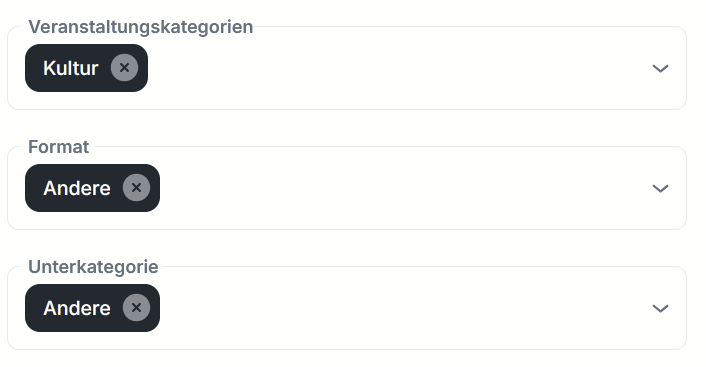
Select event categories
When creating new events, you can now select suitable main and sub-categories. A total of five main categories with their respective sub-categories are available.
Once enough events have been categorized, we can integrate a search and filter function into the web shop and, in the future, also recommend similar events to buyers. That means more visibility for your events.