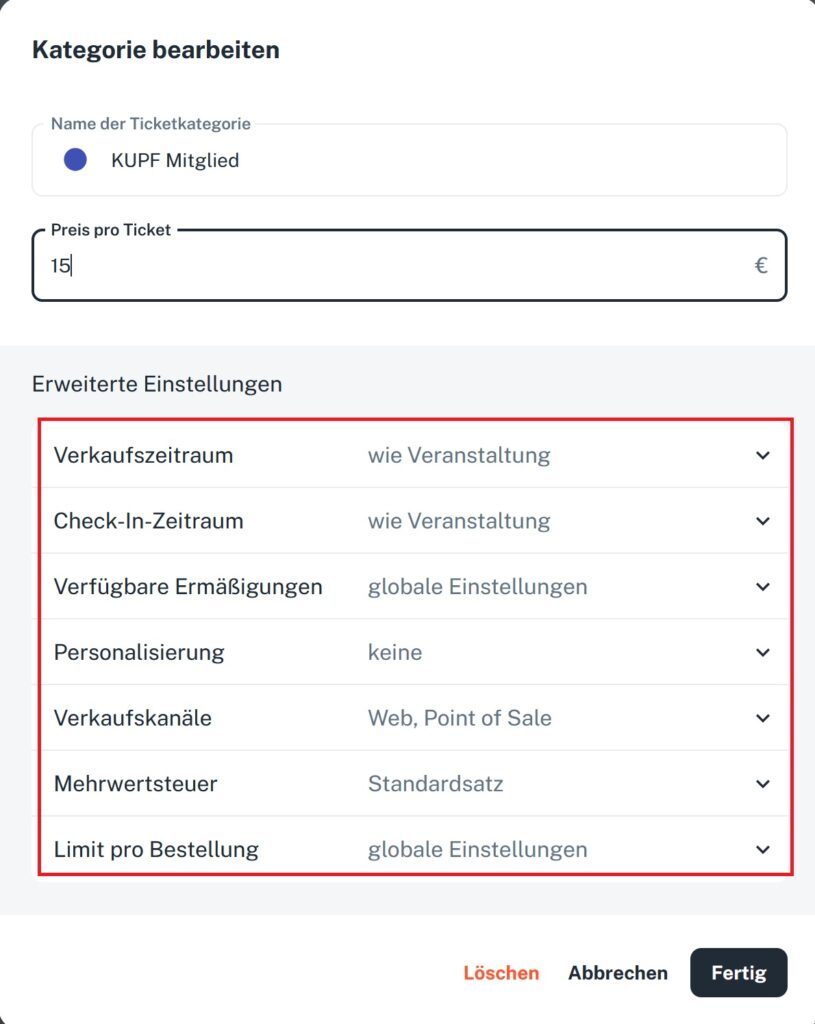
In the event editor, you can create ticket categories and edit them at any time. Among other things, you can set the sales period and the check-in period, select available discounts, and enable or disable the sales channels web and POS.
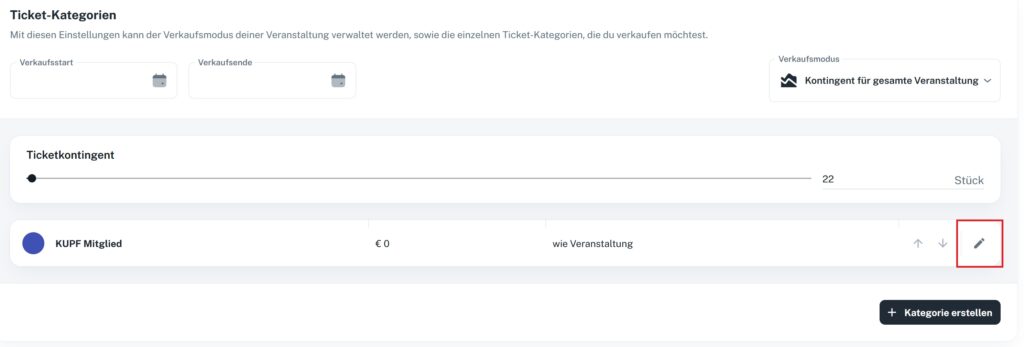
To enter edit mode, click the pencil icon directly on the ticket category (see screenshot). In the category’s advanced settings, you’ll find useful tools to fine-tune the sales of your event: