In the admin area under Events, you can view the sales figures of every event you’ve created in detail:
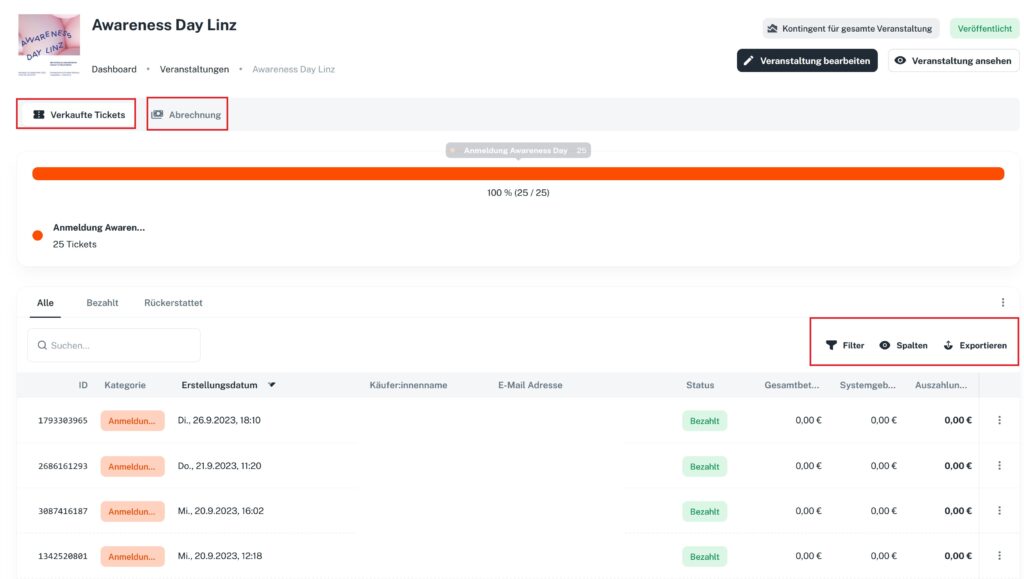
- Under Filter, you can filter the data by various criteria. You can also apply several filters at once.
- Under Columns, you can expand the column view as needed to display key categories.
- Quick buttons:
- All includes paid, canceled and refunded tickets.
- Paid includes only paid tickets – canceled and refunded tickets are not included.
- Refunded includes only refunded tickets – canceled tickets are not included.
- All includes paid, canceled and refunded tickets.
Once you have the data you need, you can download the list via Export either as a PDF document or as a CSV file.
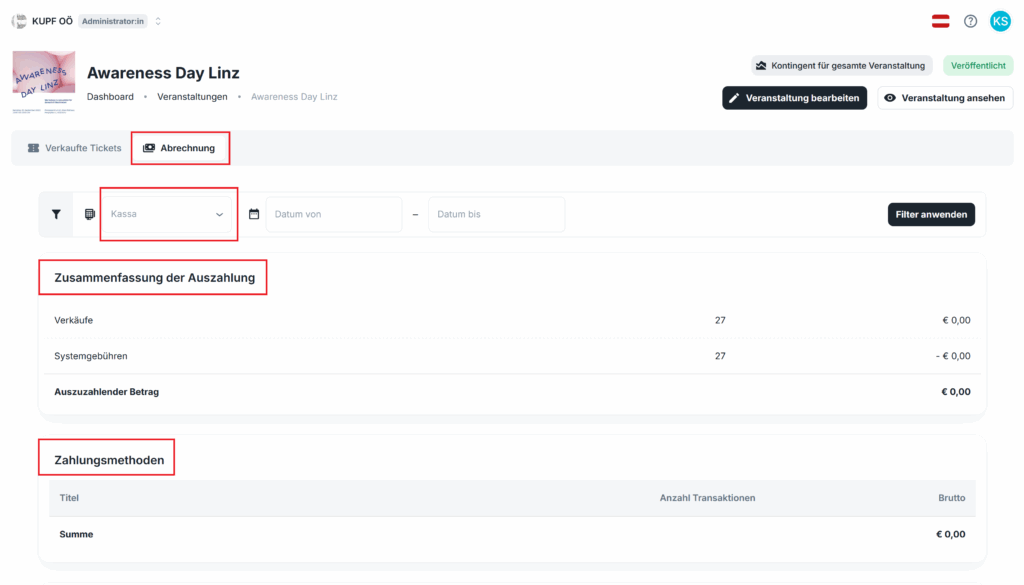
Under Settlement, you’ll find the payout summary and all details on the payment methods used.