You have bought tickets or made a donation and have a question? Here you'll find the most common answers.
The event organizer or organization can resend your tickets to you at any time. If you have any problems receiving your tickets, please contact us by email.
If you have any questions about rescheduling or refunds, please contact the respective event organizer or organization directly at.
If you have any questions about discounts, please contact the respective event organizer or organization directly.
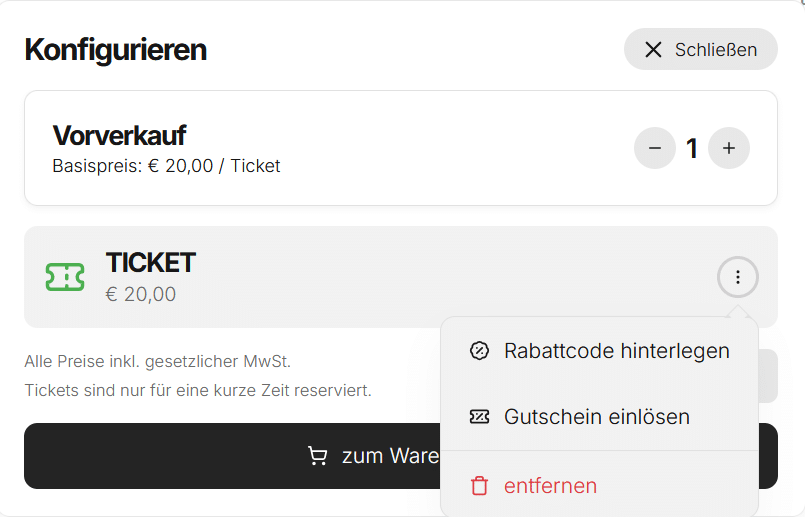
In the shopping cart, click the three dots and select “Add discount code” or “Redeem gift card”:
You can create an account while placing an order or complete your order as a guest.
If you create an account, it will be easier for you to find your orders and tickets later and manage your personal information.
If you already have an account, you can simply log in during the checkout process.
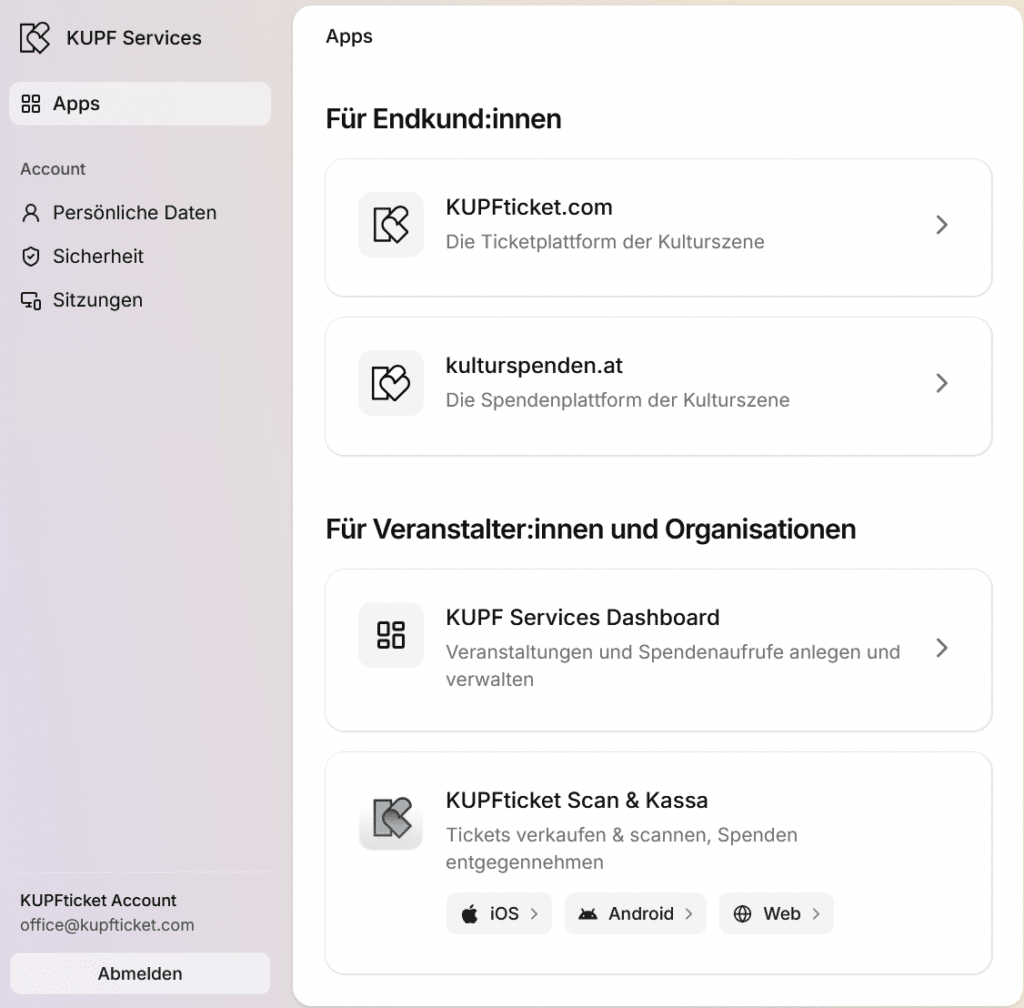
You can also register directly, even if you’re not placing an order:
To register, you’ll need a valid email address and a password. Once you’ve registered, you can log in with your credentials and manage your account.
In your settings you can:
edit your personal details such as name, email address and phone number
change your password
view and end active sessions
set up passkeys for secure and easy sign-in
enable two-factor authentication (2FA)
manage your connected apps and devices
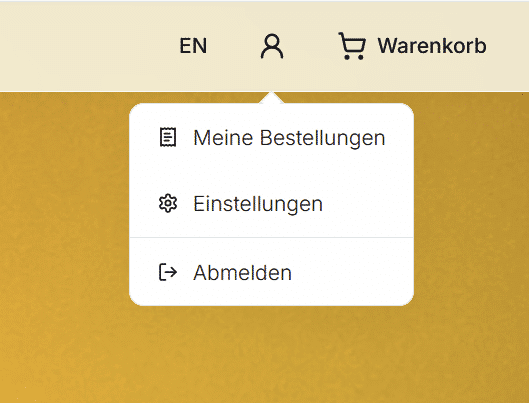
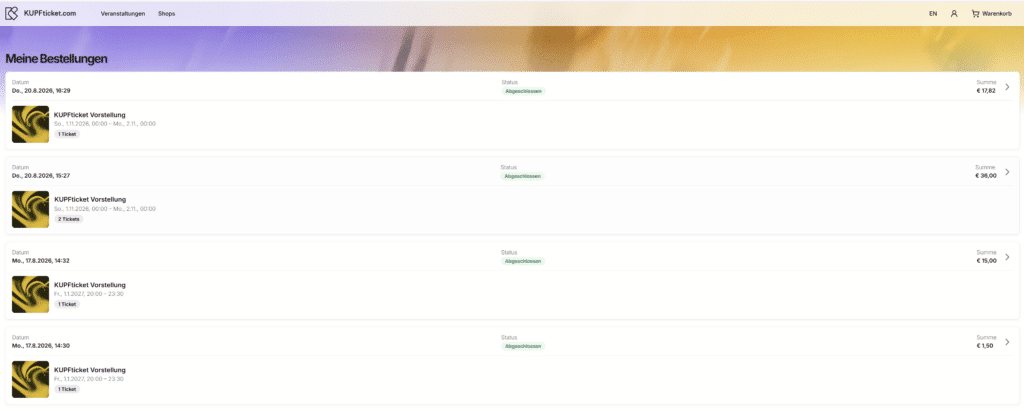
If you already have an account, you can sign in using your email address and password. Once signed in, you’ll find the “My Orders” option in the top-right menu.
There you’ll find all orders placed using this email address. This also includes orders you placed before creating your account.