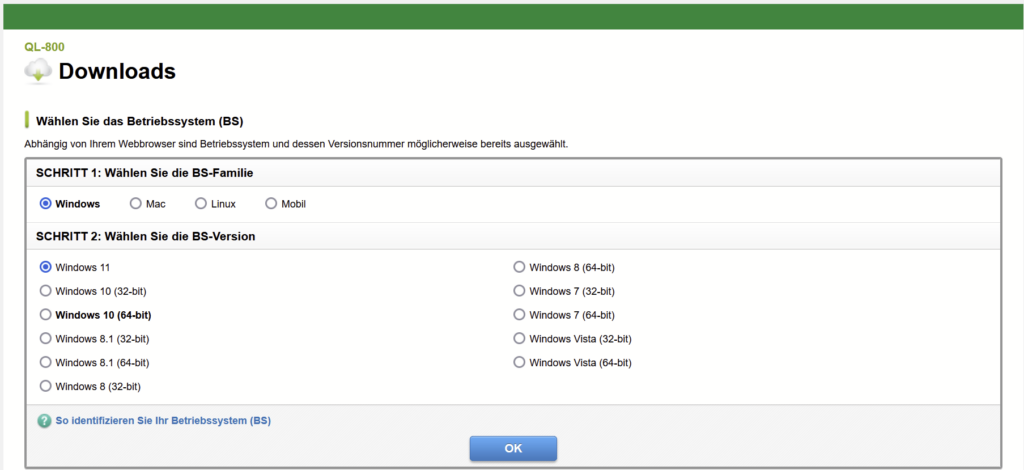
1) Install the driver
https://www.brother.de/support/ql-800/downloads
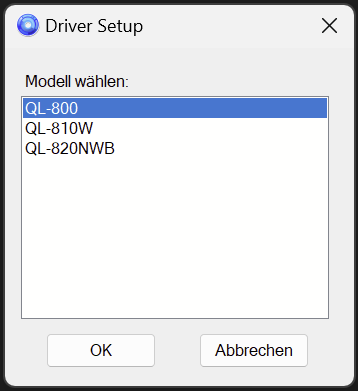
2) Connect the device to the PC via USB cable
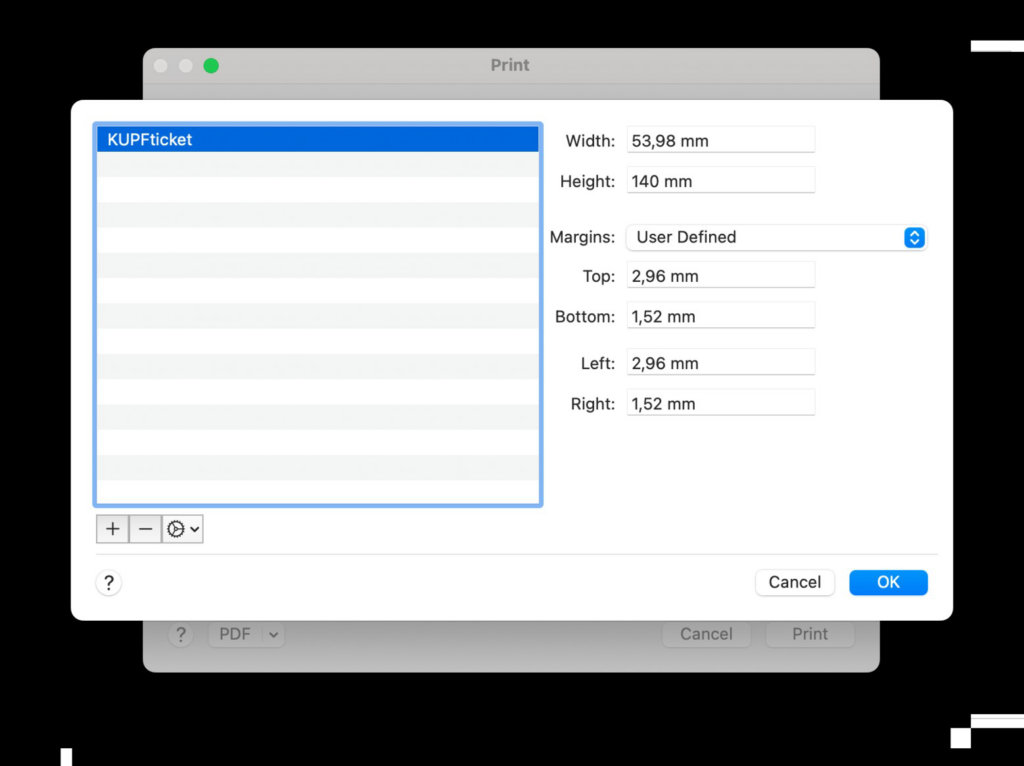
3) Open the print settings in the PC’s system settings (not in the browser), select 54 mm as the ticket width and manually set the ticket length to 140 mm.
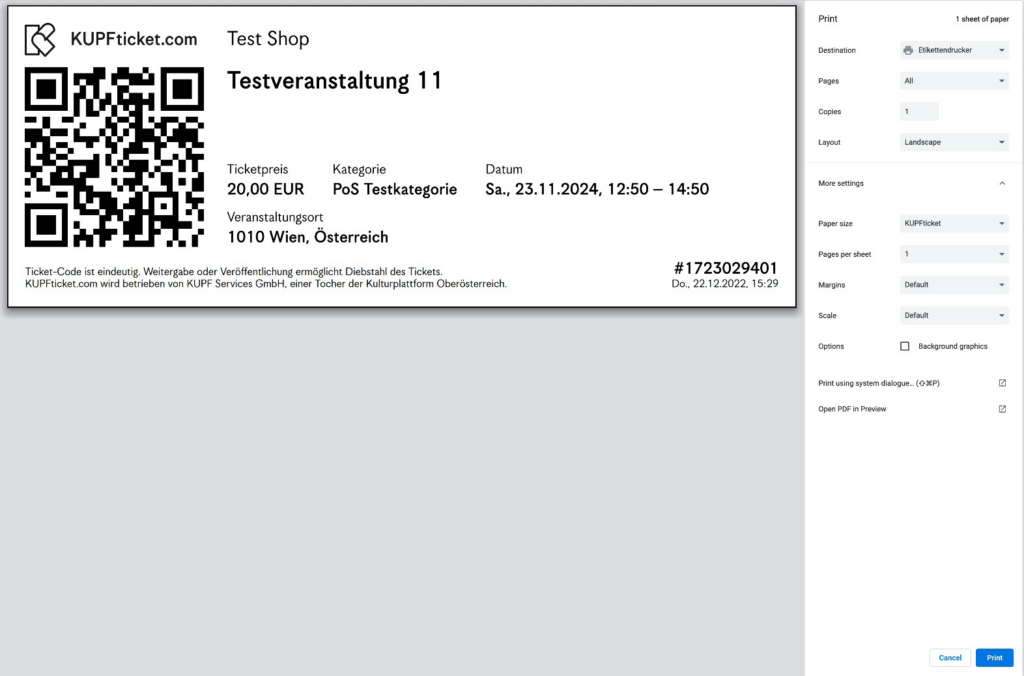
4) In the browser’s print dialog, define the following settings: